Corporate event management platform
Company kick-offs, partner summits and customer days, with approvals, travel logistics and one guest list your whole team can work from.
Invitation lists in spreadsheets
Corporate events usually start life as a spreadsheet passed between three teams. Nobody is sure which copy is current, and the answer to "has this person confirmed" depends on who you ask.
How teams use it
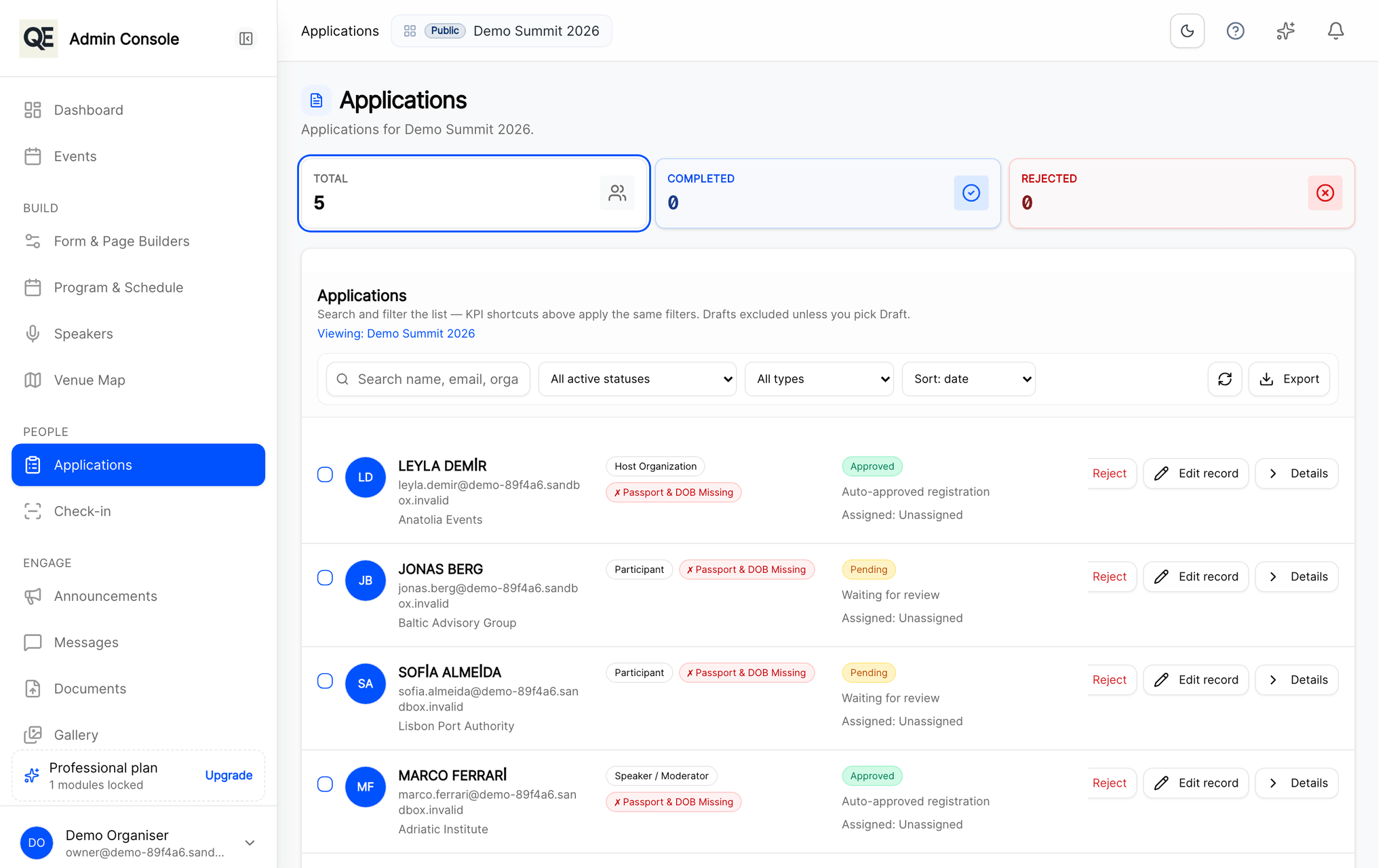
Invite the people you want
Send personal invitation links and keep the event unlisted, or open a form and approve registrations as they arrive.
Work from one guest list
Colleagues get their own accounts with only the screens their job needs, no shared login, no forwarded spreadsheet.
Handle travel where it belongs
Flights, hotels and transfers sit on the guest record, so the person organising the pickup is looking at the same data as the person who approved the guest.
Related
What usually goes with this
Registration approvals and invitations
Review every registration before it counts. Approve, send it back for corrections, or invite guests directly with a personal link.
Read moreTravel, hotel and transfer management
Collect flight details, assign hotel rooms and plan airport transfers in the same place as the guest list — not in a separate spreadsheet.
Read moreTeam roles and audit trail
Give each colleague only the screens they need and keep a record of who changed what, so you can answer that question months later.
Read more
Questions
- Will the pages carry our branding?
- Yes. Your event page, registration form and e-mails use your organisation’s name and logo.
Ready when you are
Set up your organization, publish your first event and open registrations, you can do it in one sitting.
- Real organiser panel
- Registrations and check-in
- Your own public event page